1
Step 1
Sign up
Click on the 'Sign Up' button and create your account.


Setup Guide
Follow these three setup steps before takeoff.
Step 1
Click on the 'Sign Up' button and create your account.
Step 2
At v2.labpilot.net, click on 'Get Flask File' and select your machine configuation.

Step 3
Add your flask to the holder, insert into the mill, and run the flask preperation job.
*Flask and mill may be different depending on selected configuration, for illustrative purposes only
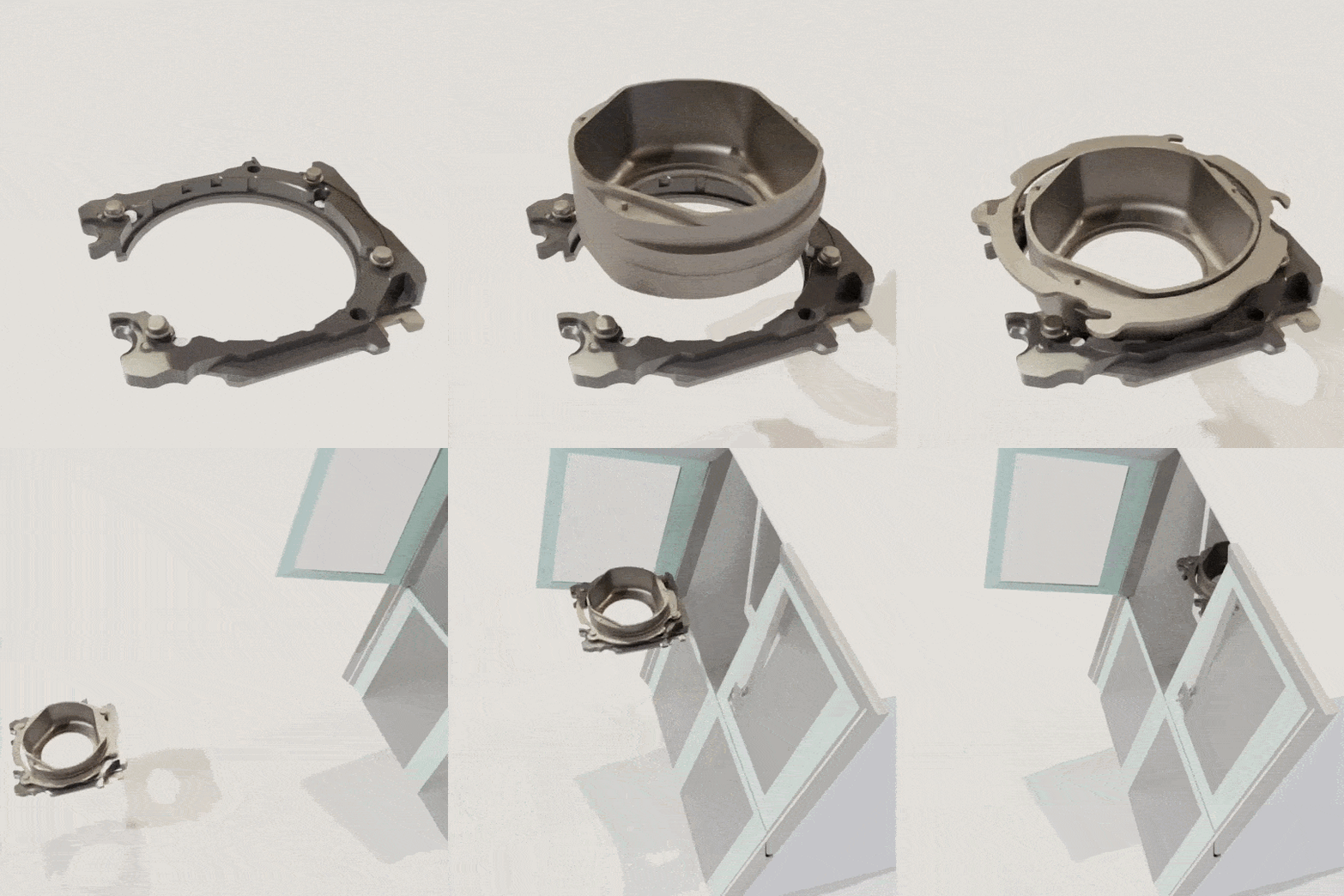
With these steps complete, you're ready to begin creating cases with LabPilot.
Click login to get started.
Sign up for our newsletter and never miss an update